 WaffleHammock

Your image agent. Chooses the models, tools, and techniques to bring your brief to life. No expertise needed.
The tools make more sense than the name.
See the InventionsSee what your agents are doing, which tools they’re using, what’s stuck, and what it’s costing. Follow the work through to the result. Choose which actions need your approval.
Explore BakinWe run ours on a Mac mini with Tailscale.
View the docsLet’s talk about AI-generated media.
Tools and workflows that keep AI on the rails—so you don’t have to babysit every result.
Explore the tools
Your image agent. Chooses the models, tools, and techniques to bring your brief to life. No expertise needed.

A video agent in the making. Coming soon.
Useful on their own. More powerful together.
Pixel knows which models, tools, and techniques fit the job—and weighs quality against cost.
She writes the prompts, creates the image, checks it against your brief, and makes targeted fixes. You review the result.
More about PixelWe’re launching Maple Waffle Crunch. Make a launch image that looks cold and delicious.
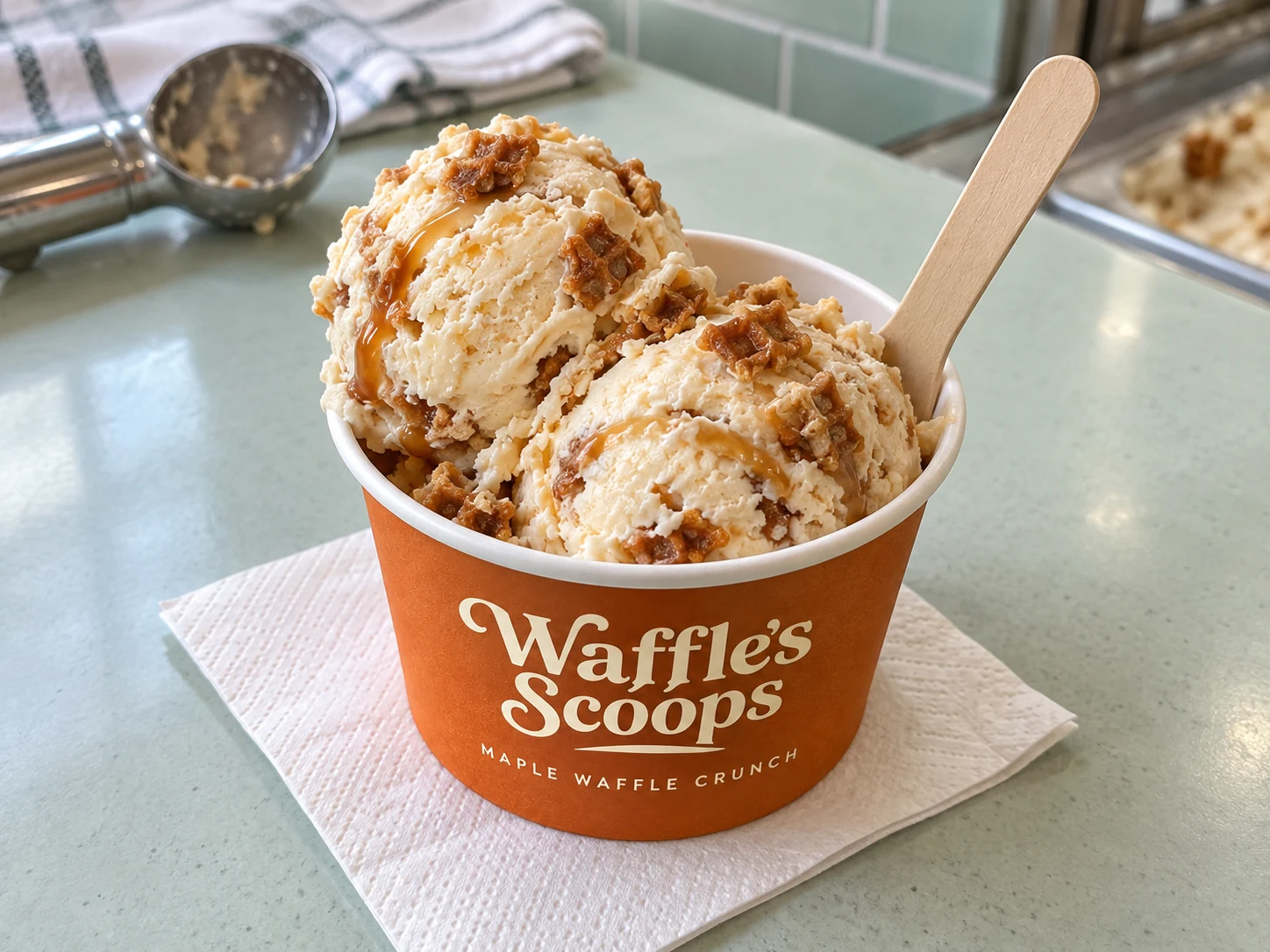 Our product · Reference attachedPixel
On it. I’ll choose the tools, build the shot, and check the details.
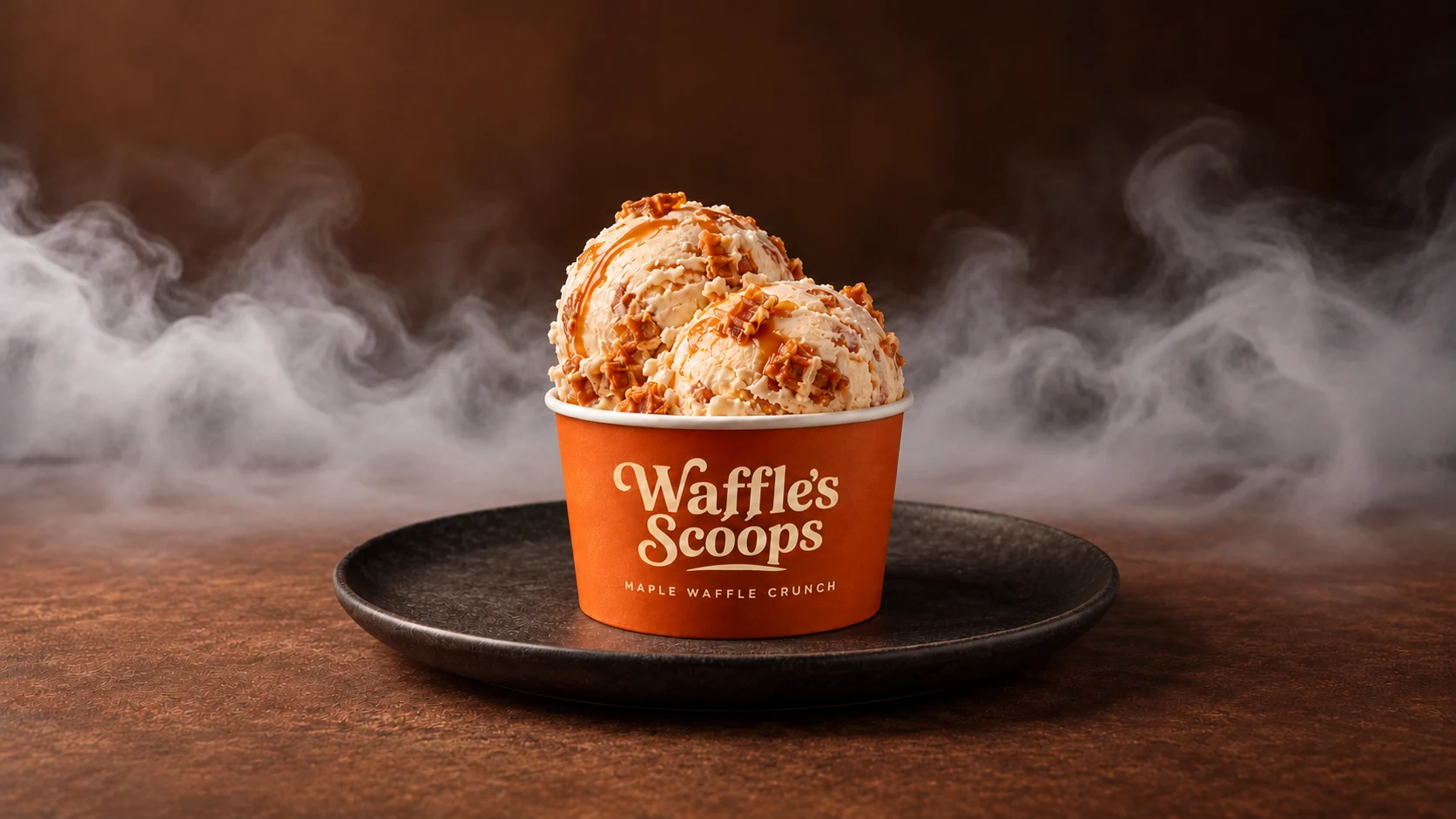
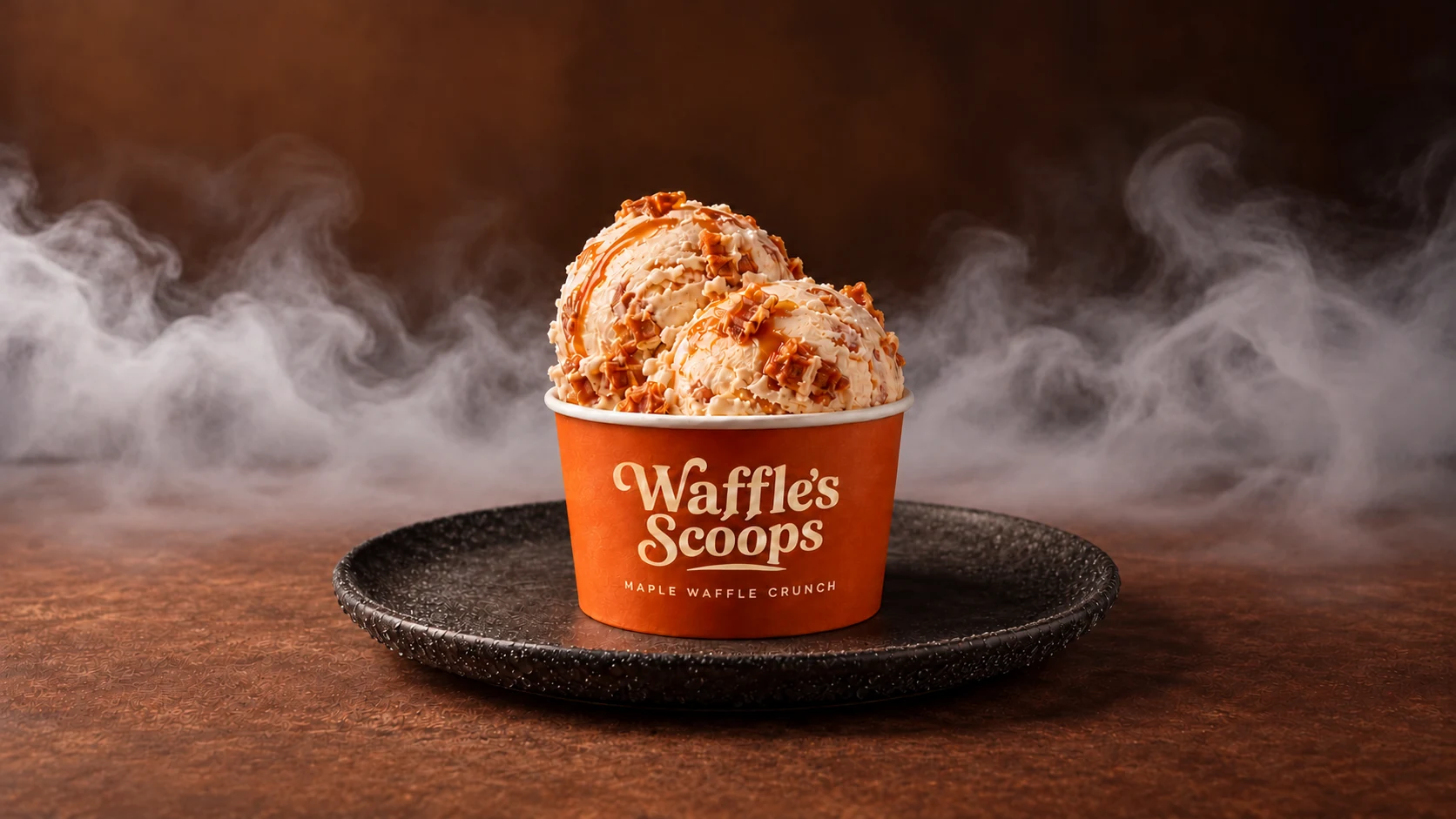
High detail. More than this shot needs.
Precise color control. Strong editing option.
Typography control. This brief is photo-first.
Brand color control. Comparing the overall fit.
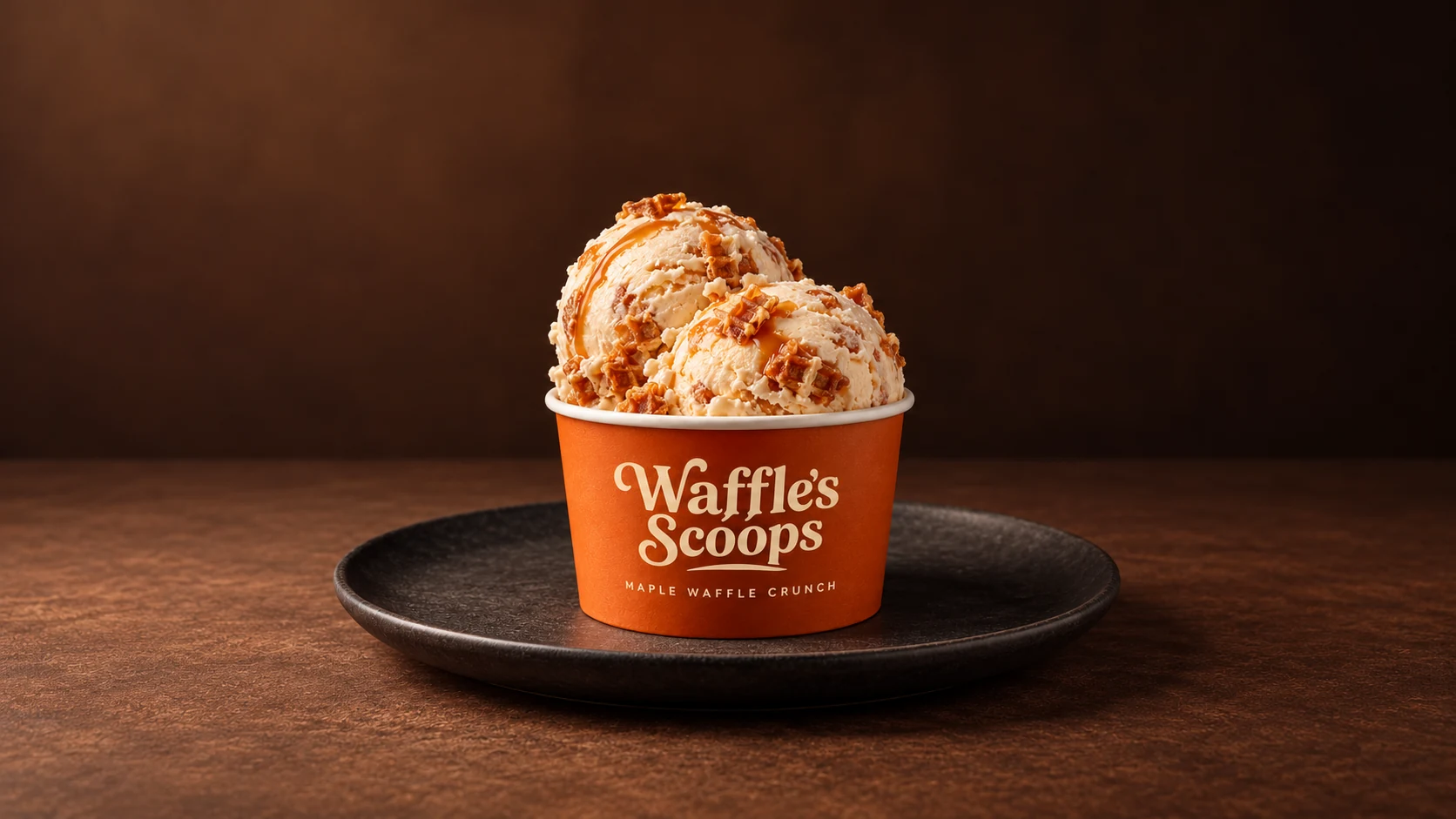
Rich tones and colors. Cost-effective for this launch shot.
Approved. Looks great!
Squint evaluates images against your brief, references, and rules. See what passed, what failed, and exactly where to look.

 ORIGINALEVALUATED
A new atmosphere.
The same permanent structures.
Staging is allowed. Changing the pool’s shape breaks the brief.
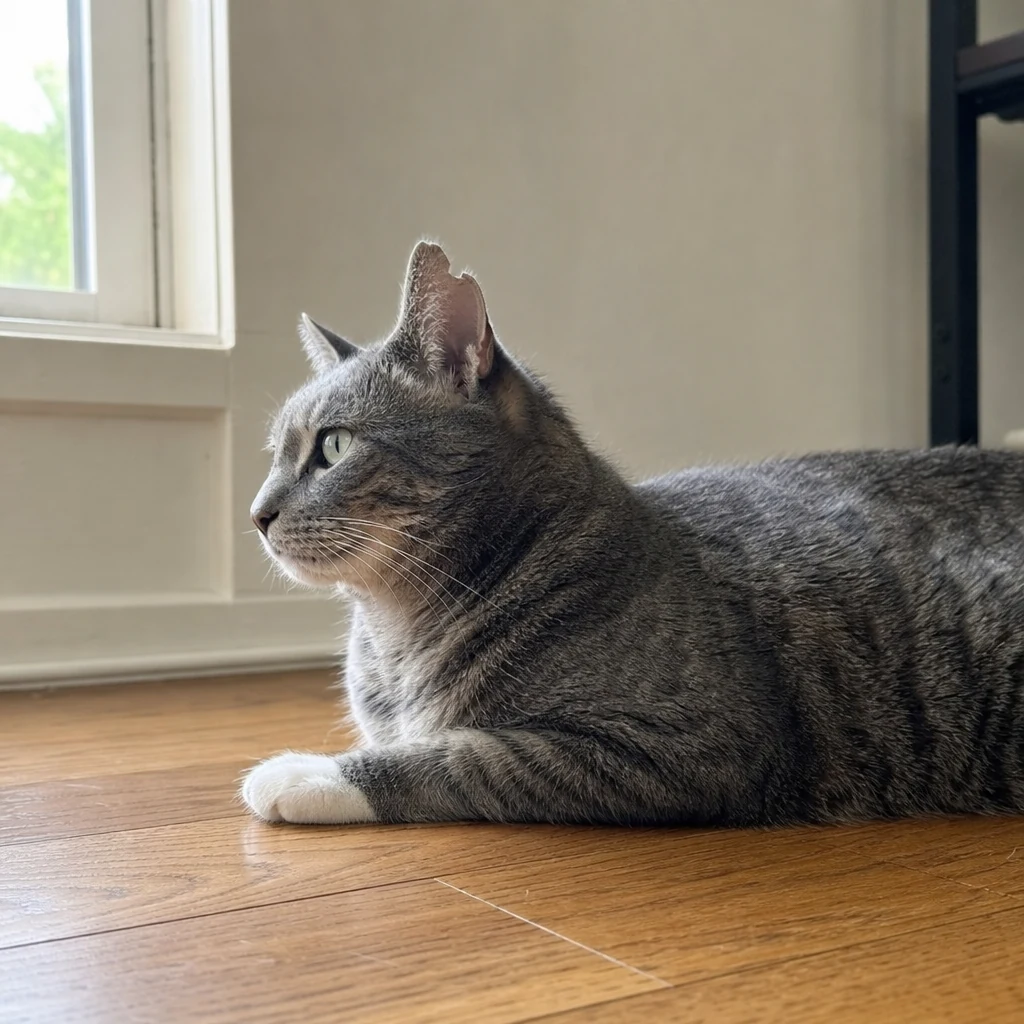 REFERENCE
 EVALUATED
The white paw is gone. Green eyes became amber. The ear notch disappeared.
Rascal defines where AI can edit, where it should blend, and what must stay untouched. Fix a detail without starting over.
 ORIGINALBlue: editable · Soft edge: blend
Rascal marks the people and their reflections for removal. A feathered edge blends the replacement into the beach.
ORIGINALBlue: editable · Soft edge: blendProtect the product before changing its surroundings. Keep the cup and lettering protected while the new setting blends around the product.
 ORIGINALBlue: editable · Soft edge: blend
A narrow repair mask follows the tear. Soft edges blend the filled strip into the original texture, without repainting the whole photograph.